Your space, your pace
Manual editor
FreeNo card needed
- Create and edit rooms in 3D
- Arrange furniture and try materials
- Measure, annotate and explore your space
- Save projects with a free account
Manual editing never uses Credits.
Interior planner with AI
Describe your wishes. Build a room in 3D according to your measurements and check the furniture and decoration before purchase.
No sign-up. Place your first item in two clicks.
Request to the designerMake this a cosy living room: terracotta sofa, oak table, cream rug and plants.
Made in Roomaria
See the results and what they cost. Make any project your starting point.
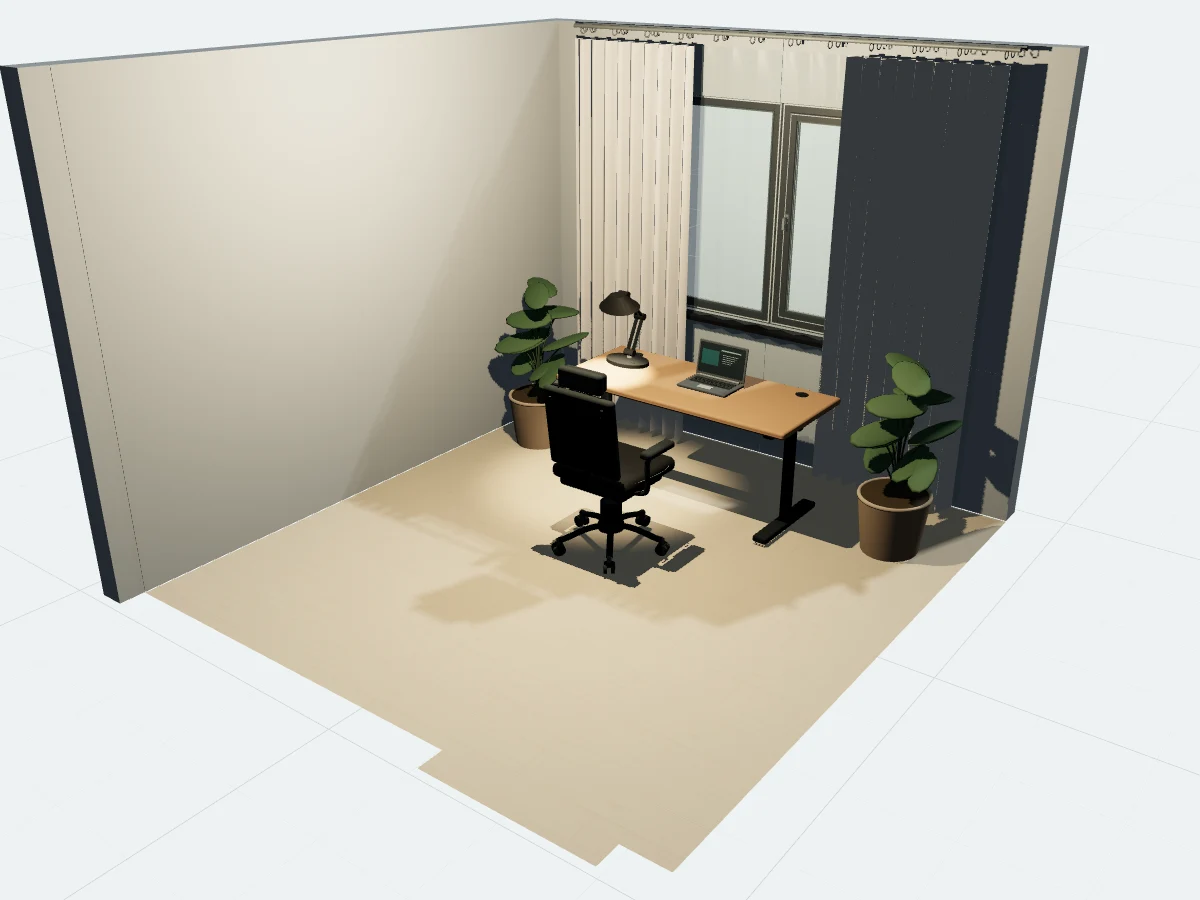 ≈ 10.09 Creditsto create
A quiet place to work, made with library furniture.
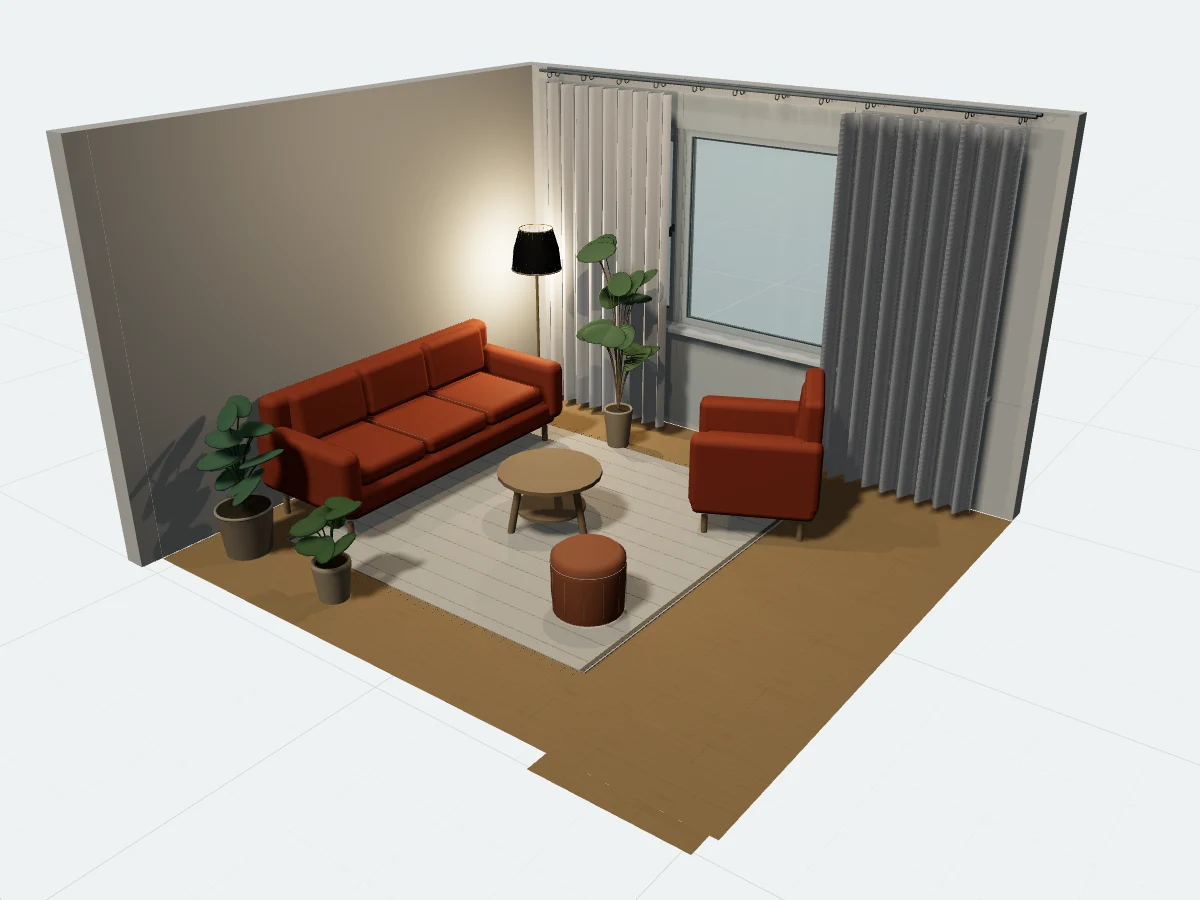 ≈ 10.84 Creditsto create
Warm oak, rust upholstery and room to breathe.
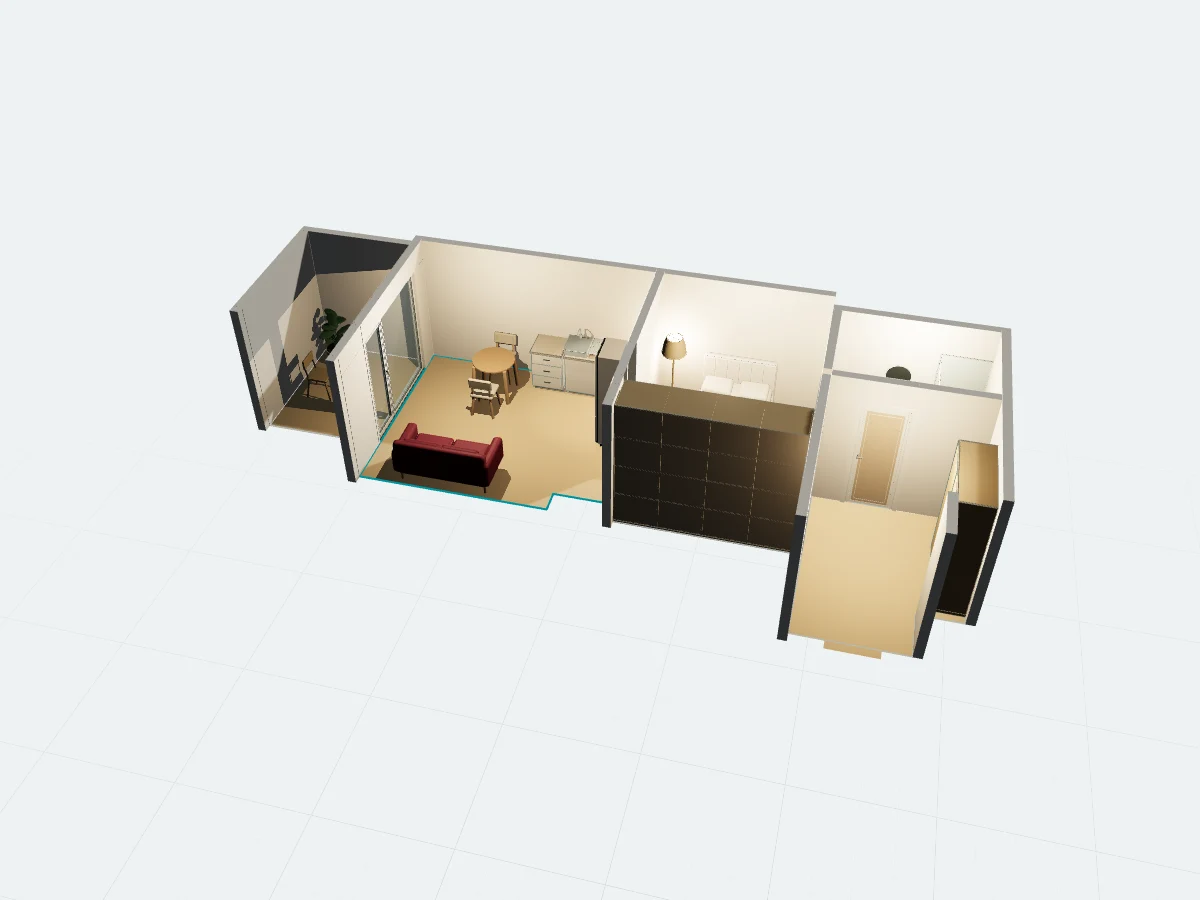 ≈ 133.48 Creditsto create
A London home, rebuilt from a published floor plan.
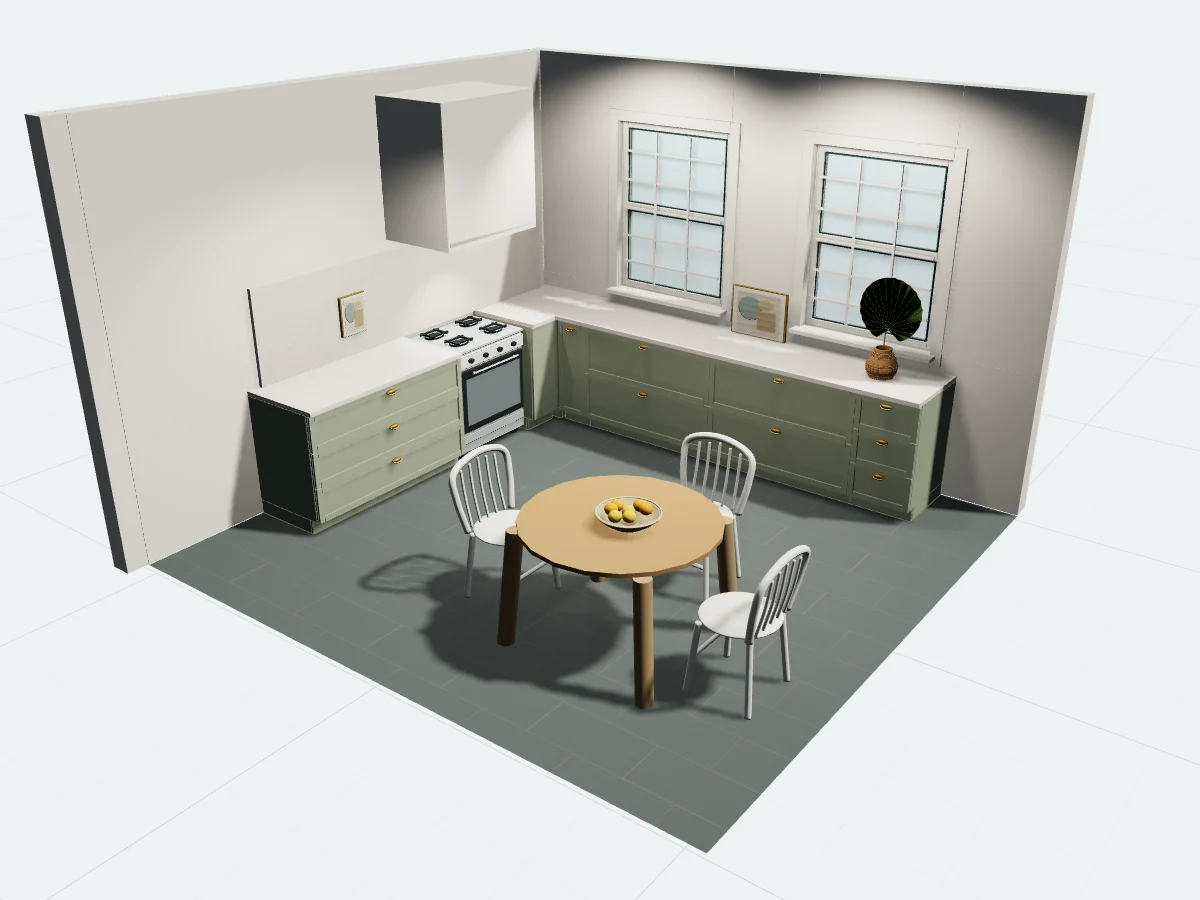 ≈ 165.13 Creditsto create
Shaker cabinetry, slate and warm brass details.
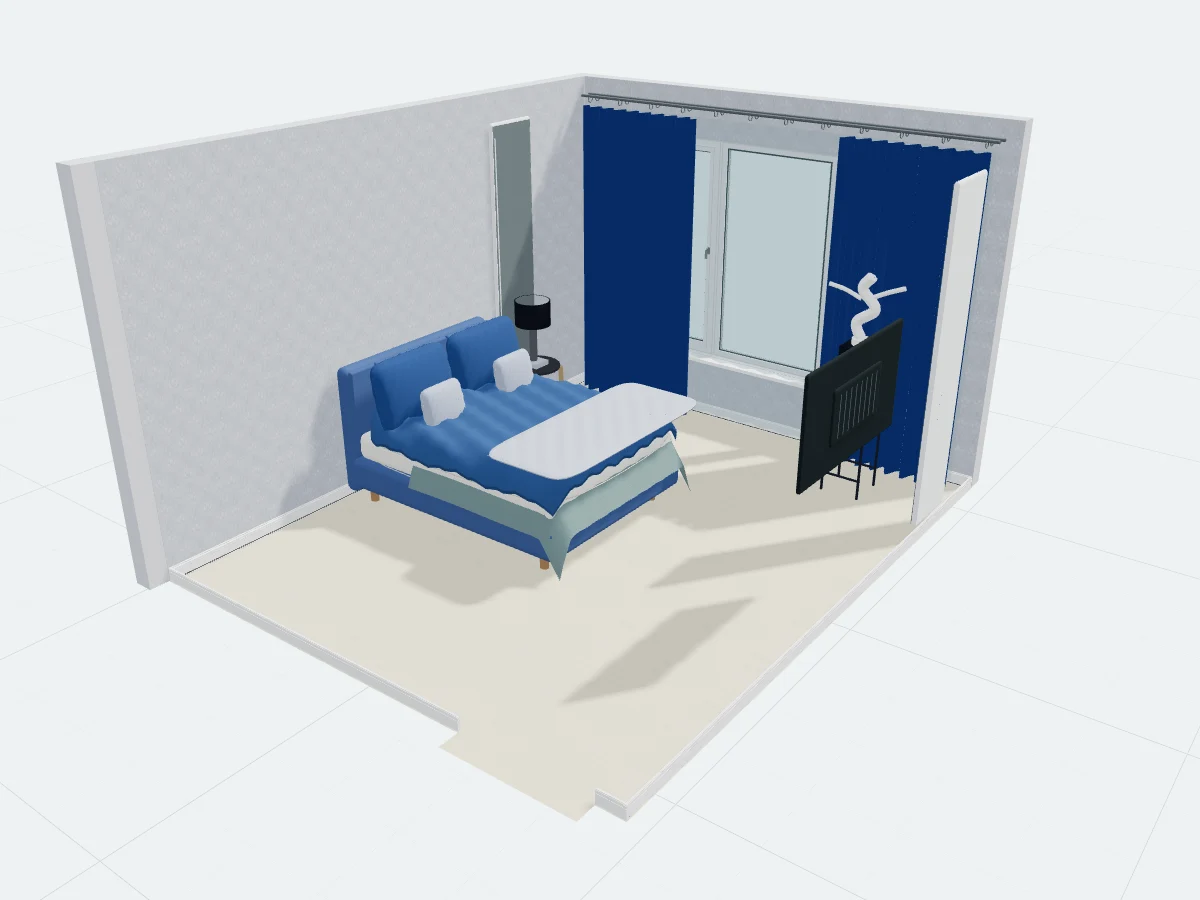 ≈ 102.5 Creditsto create
Layered blues, silver patterns and considered details.
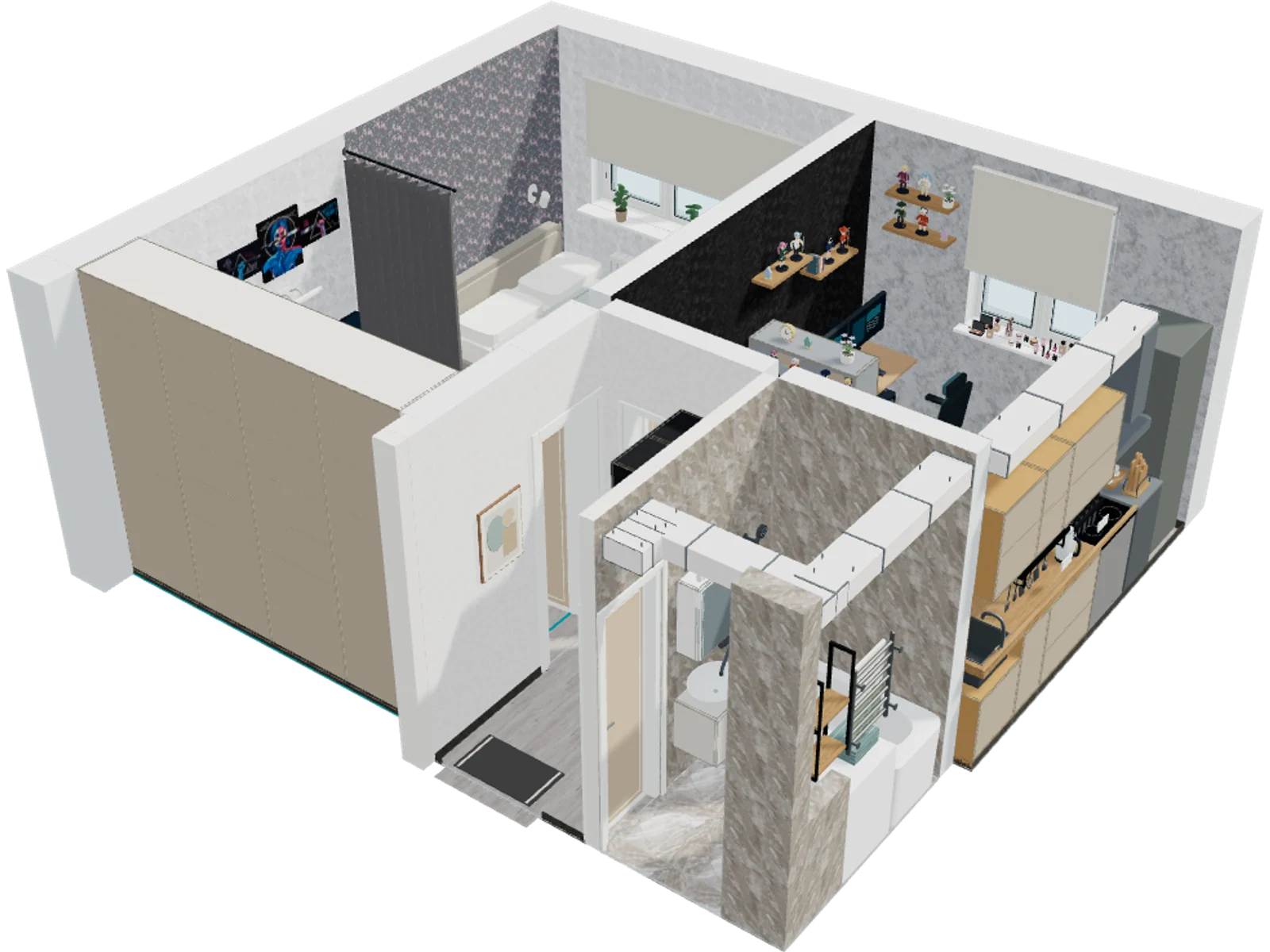
From the general idea to the details
A bedroom with a workspace, kitchen, hallway and bathroom in one project. See how the rooms connect, then zoom in on what matters to you.
Set the dimensions of walls, windows and doors. Arrange the furniture and measure the distances between objects.
Add a photo of wallpaper, laminate or cabinet front. AI will help restore the texture, and you will see it in your room.
Trace a location in a scene or photo, draw a sketch, and explain your idea to your agent.
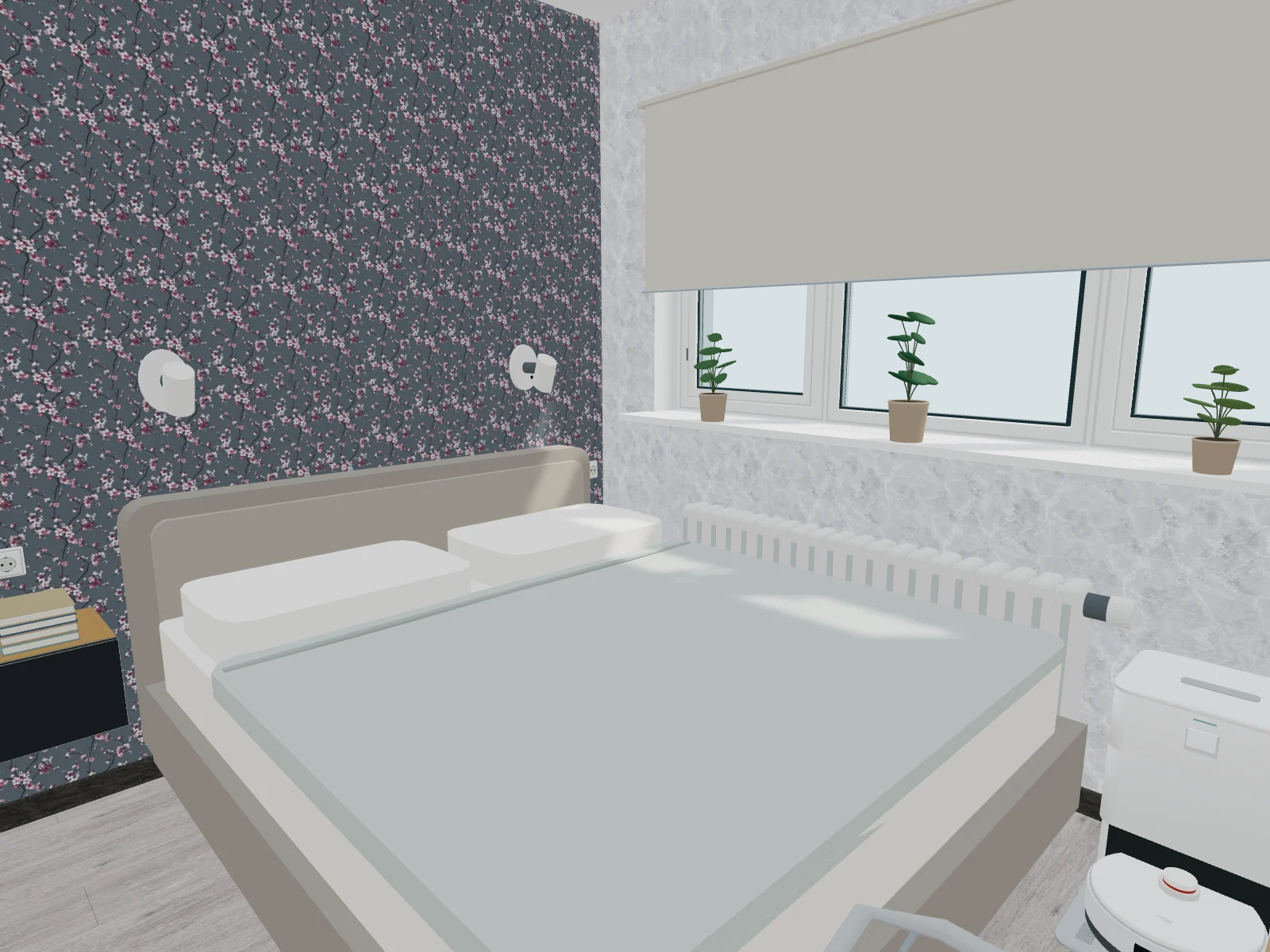
Wallpaper, flooring, textiles and light. See how they work together at eye level.
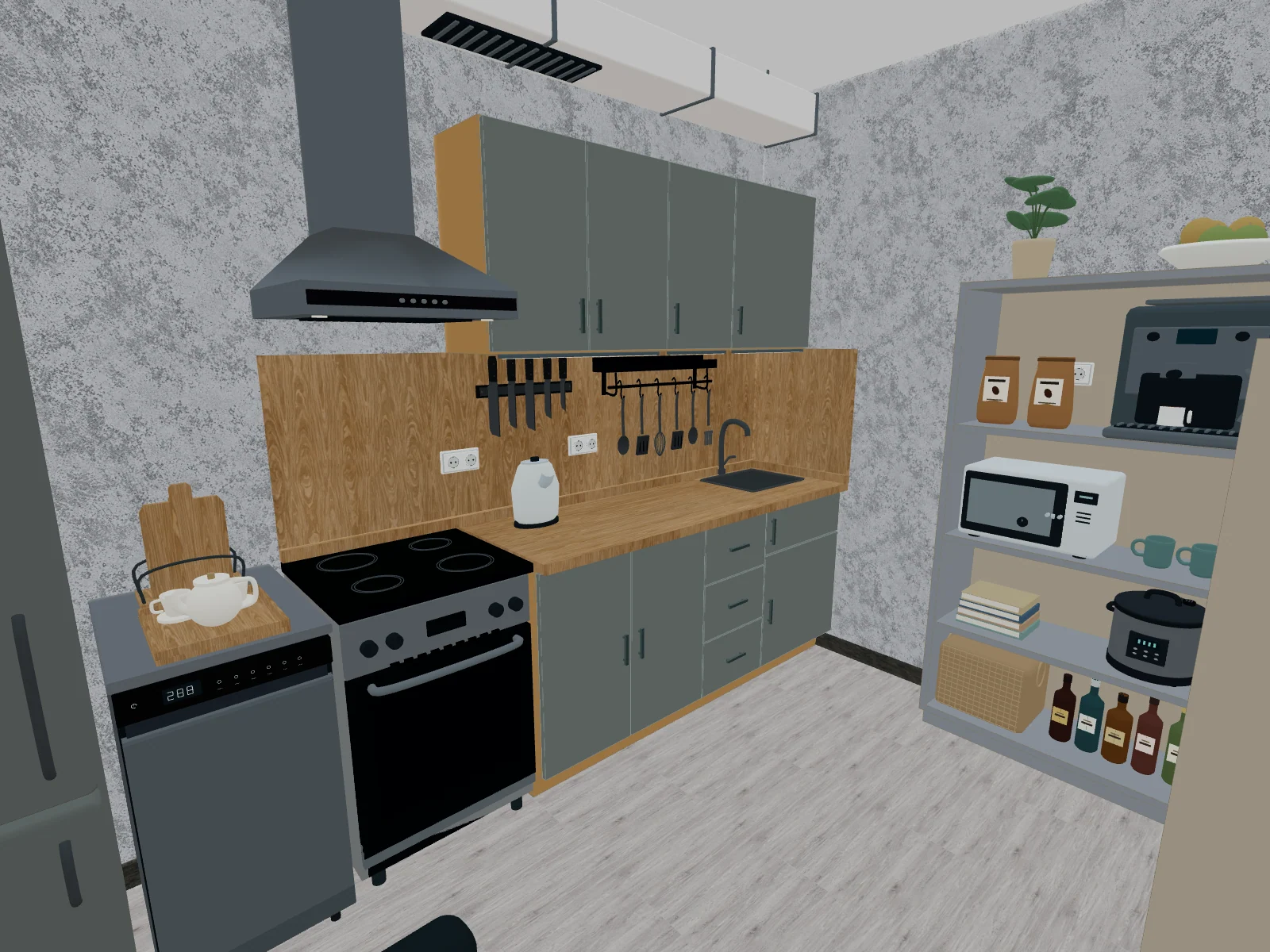
Appliances, crockery, plants and favourite objects make the space yours.
Furniture to suit your space
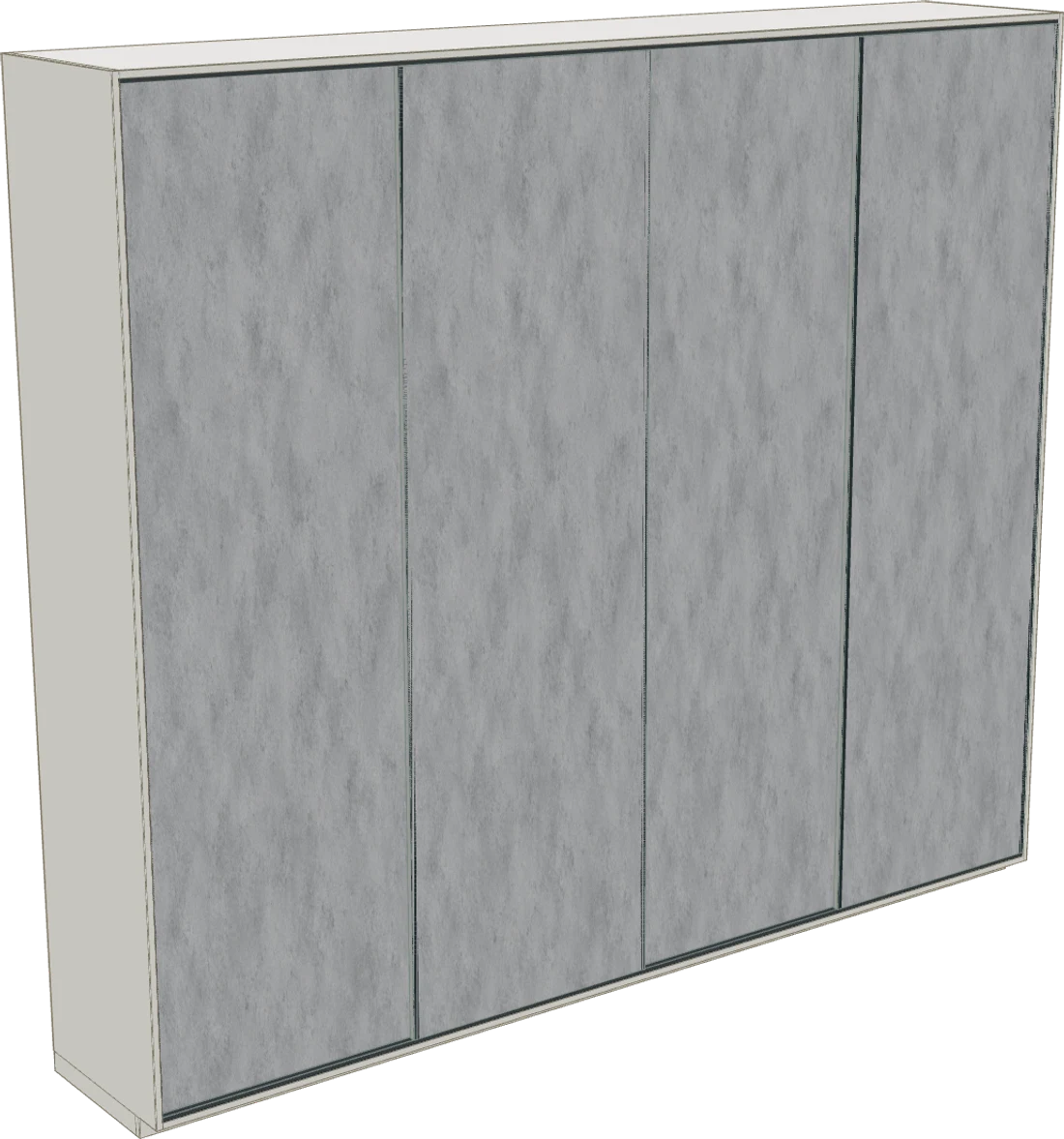
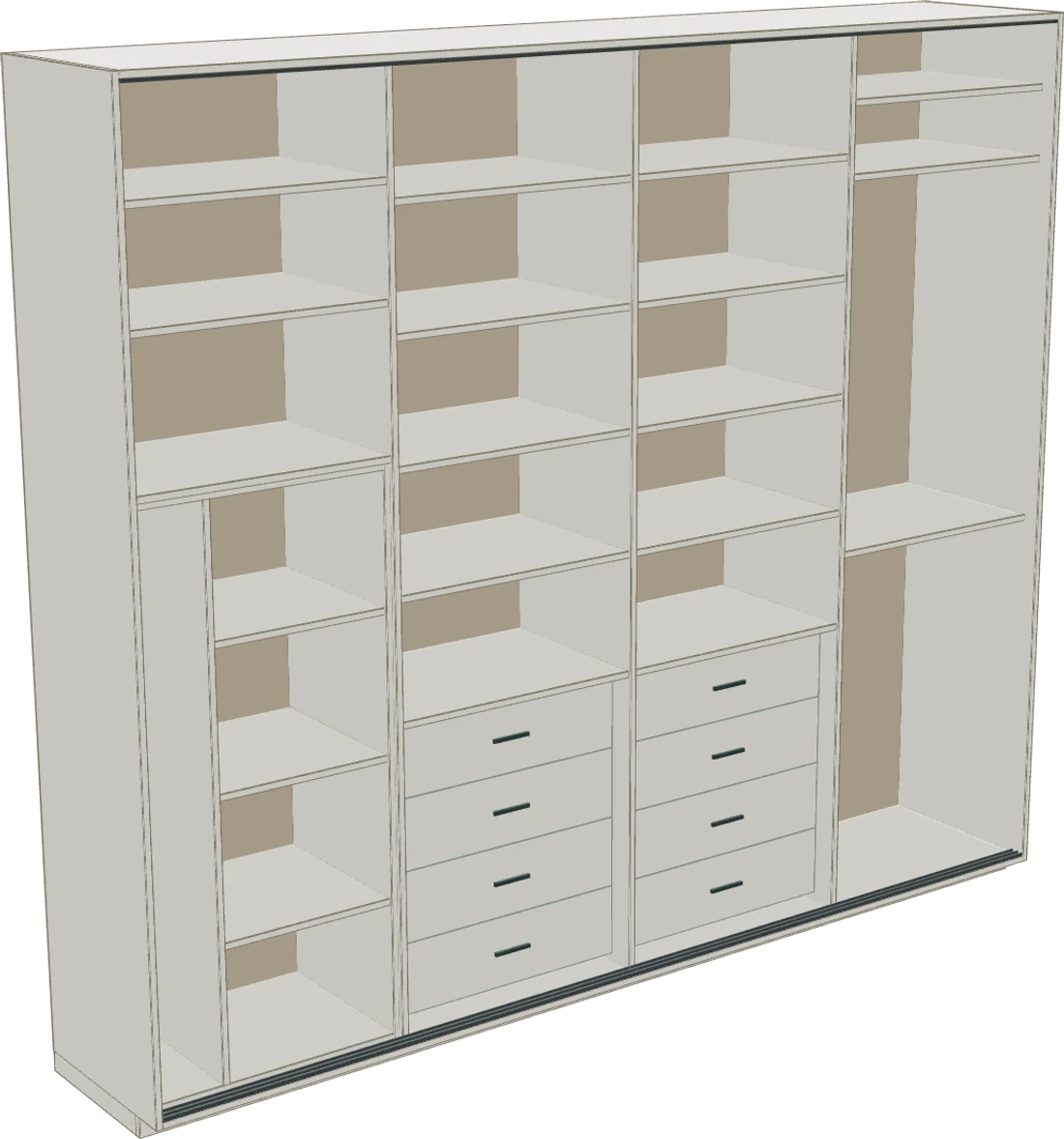
Design a closet, chest of drawers or hanging cabinet. Consider shelves and drawers, check how doors open and save cutting plans.
Set a task in the main chat or open a furniture workshop.
An idea from you. Further together.
Everything works in the browser.
No 3D modeling skills required.
Upload a photo or handwritten plan. Specify the dimensions - the agent will help clarify the missing details.
“I want a big bed,
work space
and a closet to the ceiling"
Who will live here, what furniture is needed, what do you want to preserve. You can add photos of what you like.
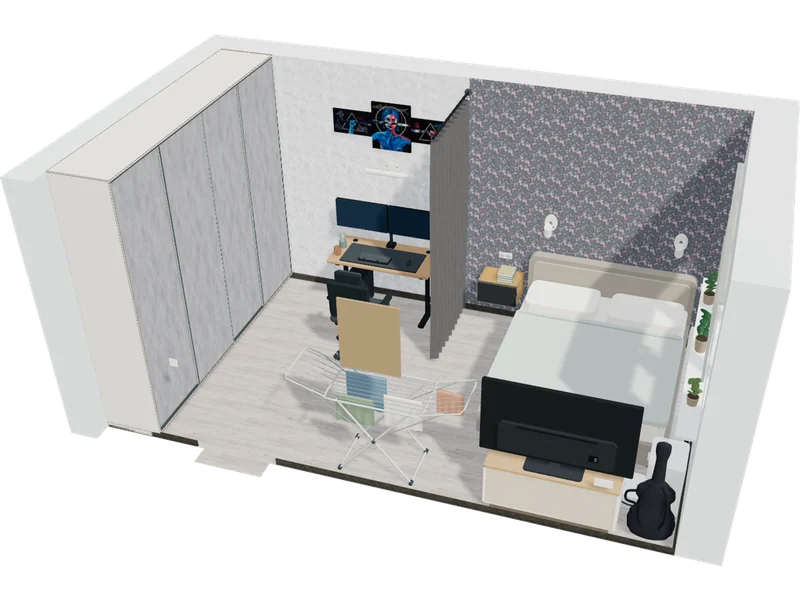
View the result in 3D. Ask for a different option, move furniture or try a new finish.
Pricing
The editor is free. Credits are used only when you ask the AI designer to help.
Your space, your pace
FreeNo card needed
Manual editing never uses Credits.
A designer by your side
Generate furniture, create materials and refine your layout in chat.
20 free CreditsWhen you create your account.
Top-ups coming soon. Start with your welcome Credits.
Get 20 free CreditsAll prices in USD. No subscription required.
Before the first project
Everything you need to know
before we begin.
No. Start for free: choose furniture and set dimensions. Or describe what you need: where to put a bed, what wardrobe you want, or which finishes to change. The agent will help build the scene. You can also move, rotate and resize objects or add annotations yourself.
Create a Roomaria account and get 20 free Credits for the designer. Add room dimensions, photos or a floor plan, then describe what you want to change. Manual editing is always free.
In the workshop you can customize the body, fronts, shelves and drawers, check opening and save drawings, parts list and layout on sheets. This is the basis for discussion with the furniture maker: before production, you need to check the measurements, material, fasteners and fittings.
Yes. The room, furniture, materials and photos are saved in your account. You can maintain multiple projects, return to them and cancel changes.
Your next step
Start with dimensions and ideas.
The rest can be tried on.